PLAYER APPS BY DEVICE

Download IPTV Smarters Pro, IBO Player and Other Compatible Players

Find the right player for your device, install it from the official store, then add your Strong8K IBO login details or playlist.

Third-party player apps

Xtream Codes or M3U

A guide for each device

Multilingual support

See players by device Open the setup guides→

6 SUPPORTED PLATFORMS

Where to Download a Player for Your Device

Select your device to see which store or method to use, then install the player before adding your Strong8K IBO access.

IPTV Smarters Pro and IBO Player are player apps from third-party developers: they do not include channels. The content comes from your subscription.

Android / Android TV

Smartphone · Tablet · Android box · Fire TV

Install your player from Google Play or the Amazon Appstore. IBO Player also publishes an official APK (iboplayer.com/app_downloads/ibop.apk), which the Downloader app can install on Fire TV.

Use only official stores or the publisher’s own website.

iPhone & iPad

iOS & iPadOS

On Apple devices, install a player from the App Store, such as Smarters Player Lite, then add your Strong8K IBO details after installation.

Open Smarters Player Lite →

Windows

Windows 10 & 11

Install a player from the Microsoft Store or its publisher’s website. IBO Player offers a Windows x64 version on iboplayer.com/downloads.

Check the publisher’s official site for the current version

macOS

Mac computers

Use a player from the Mac App Store or an official website. IBO Player lists a macOS (Intel x64) version on iboplayer.com/downloads.

Check the publisher’s official site for the current version

Smart TV

Samsung Tizen · LG webOS · Others

Install a player such as IBO Player from your TV’s own store, then link your playlist to the MAC address it shows. The guide covers both Samsung and LG.

Samsung & LG setup steps →

Web Browser

Chrome · Firefox · Safari

Some players offer a web version that needs no installation. Availability depends on each publisher.

Check the publisher’s official site for a web version

Player installed? Next step

Follow the setup guide for your device to add your Strong8K IBO details, or contact our support team if you get stuck.

PLAYER INSTALLED?

Next Step: Add Your Login Details

Once the player is installed, follow the guide for your device to enter your Xtream Codes details or M3U link. It usually takes a few minutes.

What does a player like IPTV Smarters Pro or IBO Player actually do?

A player app displays a playlist in a TV-friendly interface. It has no channels of its own: IBO Player’s publisher, for example, states that its app does not sell playlists or include any content.

The content comes from your Strong8K IBO subscription. You add its details once, as an Xtream Codes login, an M3U link or, in IBO Player, a playlist linked to the device’s MAC address, and your channels, movies and series appear.

A player, not a subscription

Some players are free; others, like IBO Player, charge their own licence after a trial. Either way, the content requires a separate subscription.

Set up once

Add your Xtream Codes details or M3U link once; the player keeps them for next time.

Works across your screens

The same subscription can be added to players on Smart TV, phone, tablet or computer, within your plan’s screen limit.
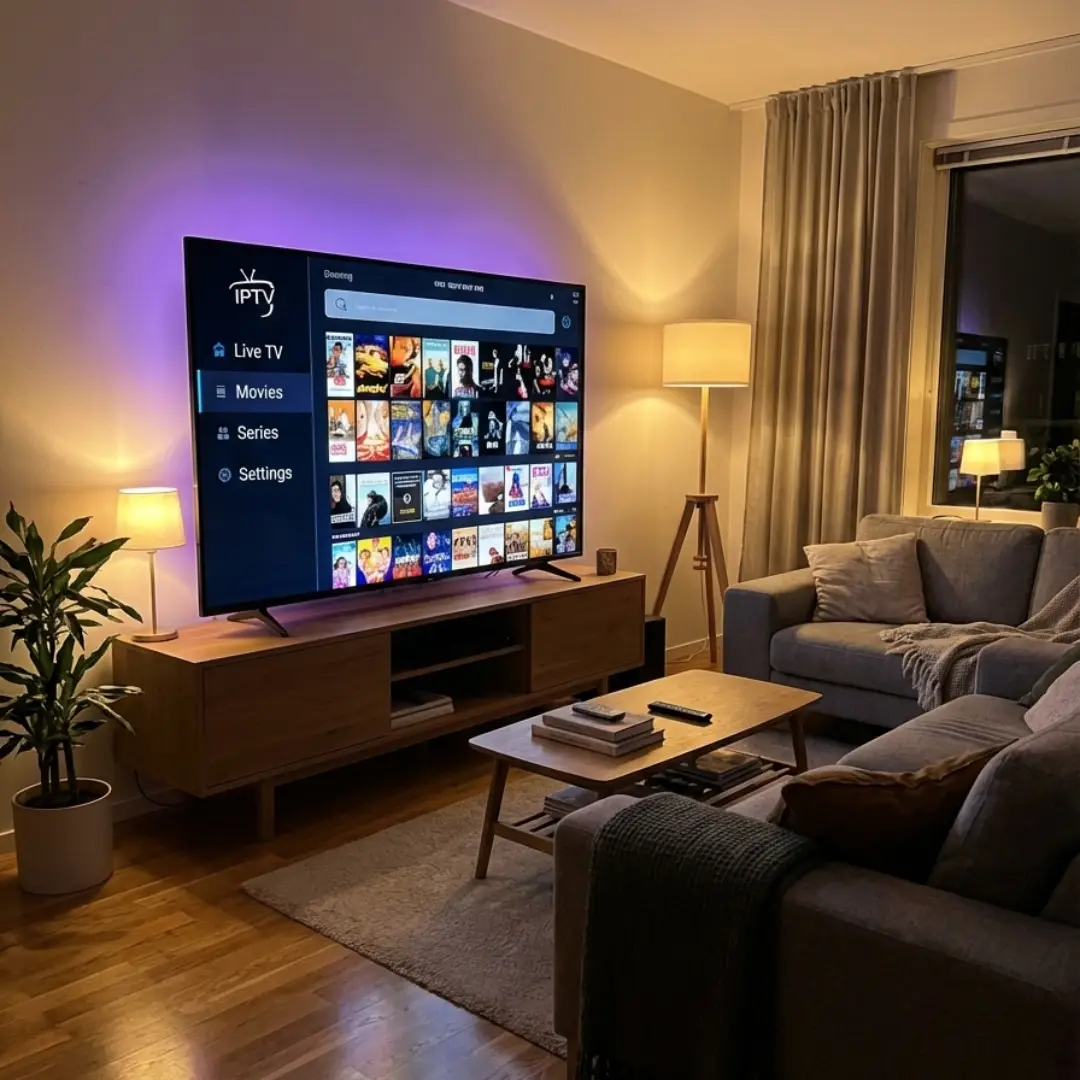
IPTV Smarters Pro open on a Smart TV in a living room

SETUP BY DEVICE

Setup Guides by Device

After downloading the player, open the setup guide that matches your device.

FAQ: downloading IPTV Smarters Pro and IBO Player

Direct answers before you install a player and add your Strong8K IBO access.

See plans and prices →

From your device’s official app store when it is listed, or from the link published on the developer’s official website. On iPhone and iPad, the App Store version is Smarters Player Lite.

On Samsung and LG TVs, from the TV’s store. For Android, Windows, macOS and Linux, the publisher’s official downloads page is iboplayer.com/downloads (Android APK: iboplayer.com/app_downloads/ibop.apk).

No. They are playback apps only. The channels, movies and series come from the subscription you add, such as Strong8K IBO.

It depends on the publisher. IBO Player offers a 7-day trial and then requires a paid licence, sold by its publisher and separate from Strong8K IBO. Check each app’s store page for its current terms.

Players exist for Smart TV, Android TV, Fire TV, iPhone/iPad, Windows and Mac. Availability of each app varies by model, system version and region.

Yes. Each device has a written guide on this site, and our multilingual support team can help you add your Strong8K IBO details to your player.

No. Strong8K IBO is an independent subscription service. IPTV Smarters Pro and IBO Player are third-party apps that you configure yourself with your access details.